Refresh If Video Is Not Available
You Can View Student Profile on this screen.
You can change and delete the student flat on this screen
You can change and delete the student flat on this screen

Siswa
Click Siswa Button at Main Menu.
Click Siswa Button at Main Menu.
Enter Student Search Criteria to open student files
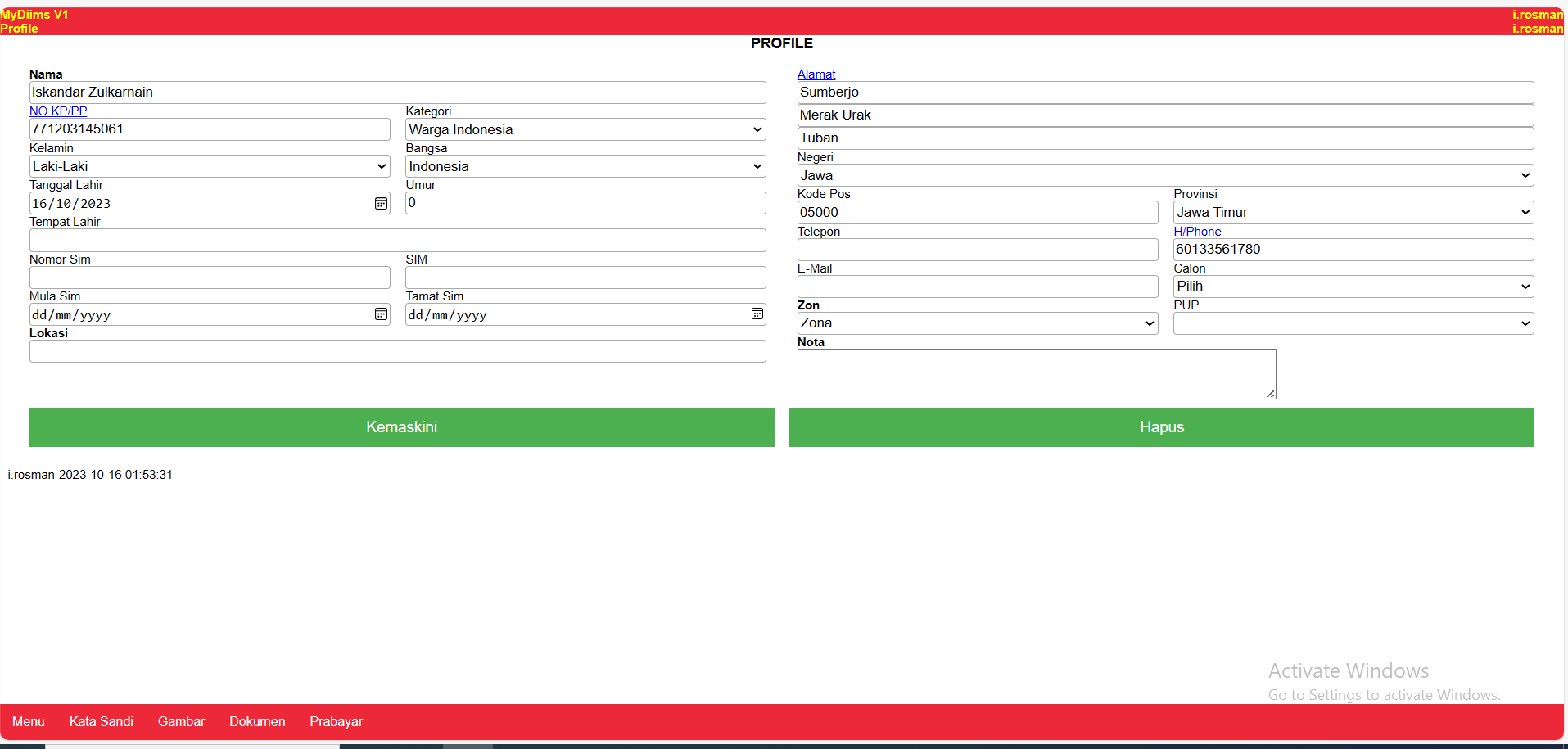
Gambar
You can add student picture with this button
You can add student picture with this button
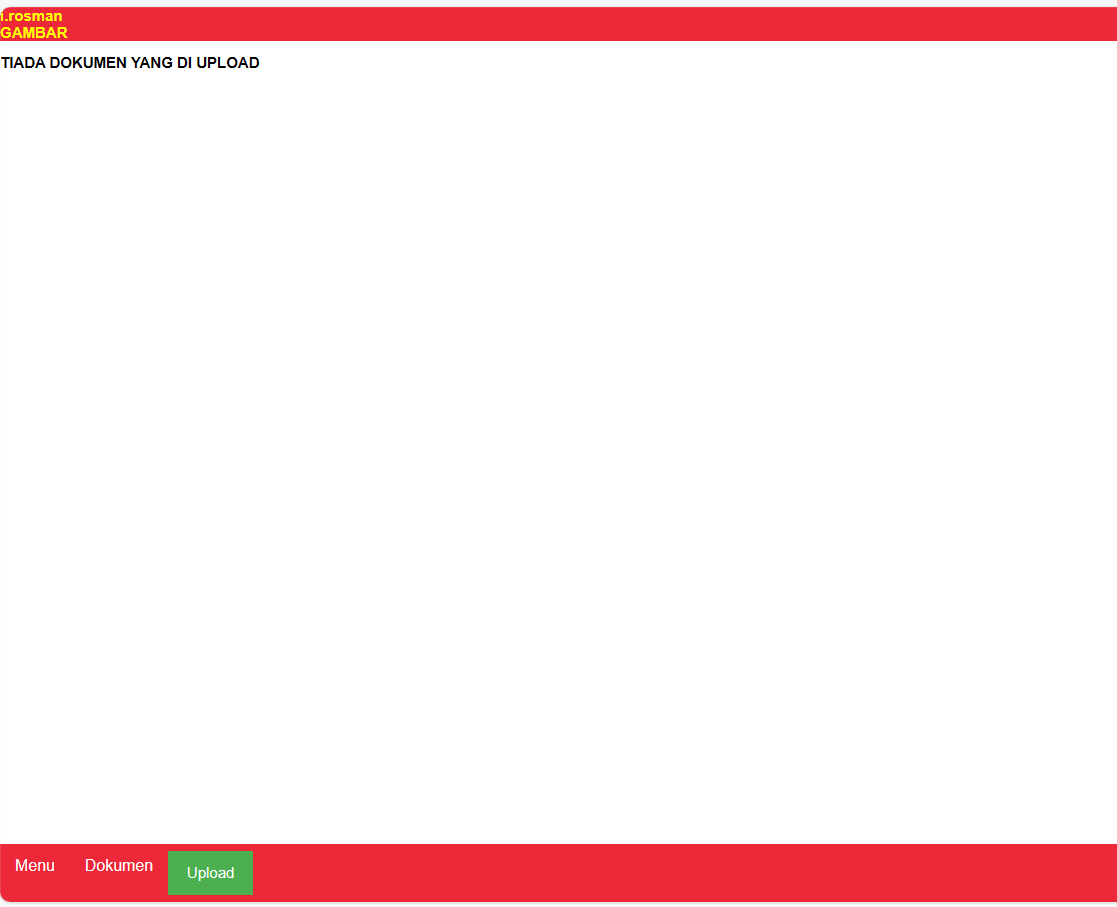
Upload
Click Upload Button to Upload Student Picture
Click Upload Button to Upload Student Picture
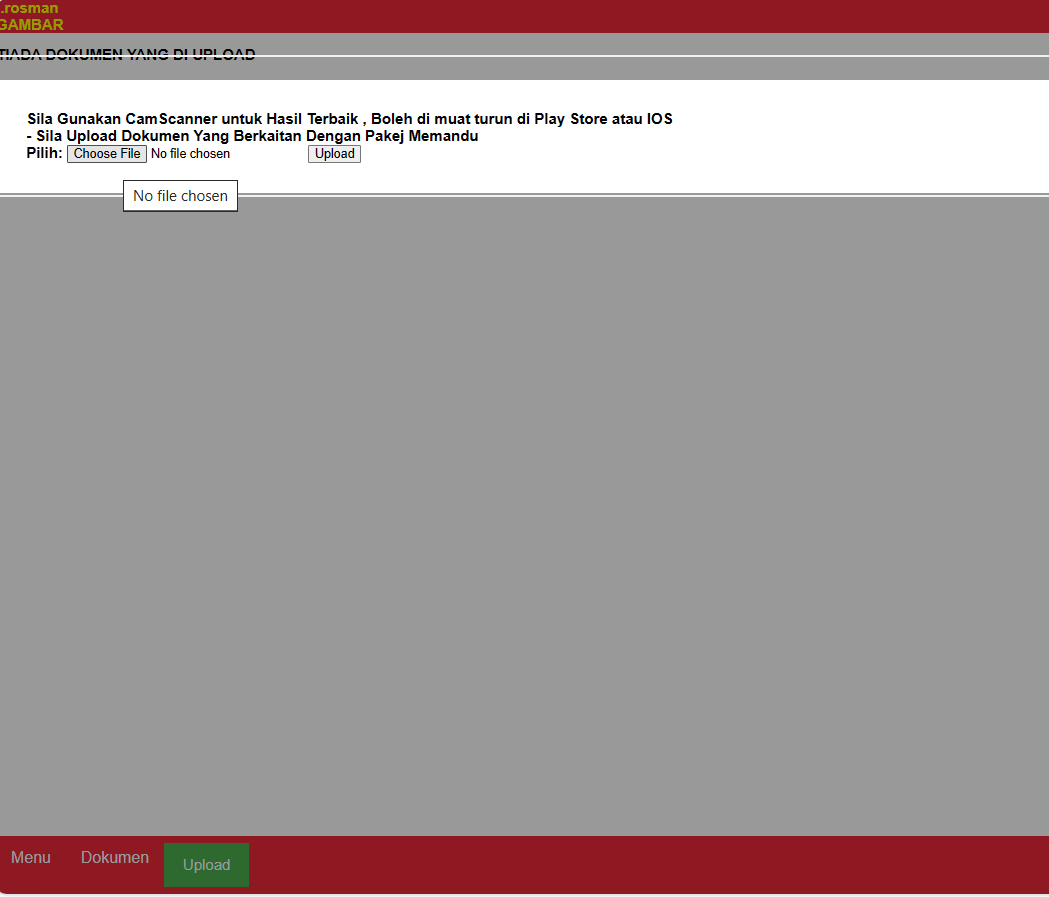
Choose File and Upload
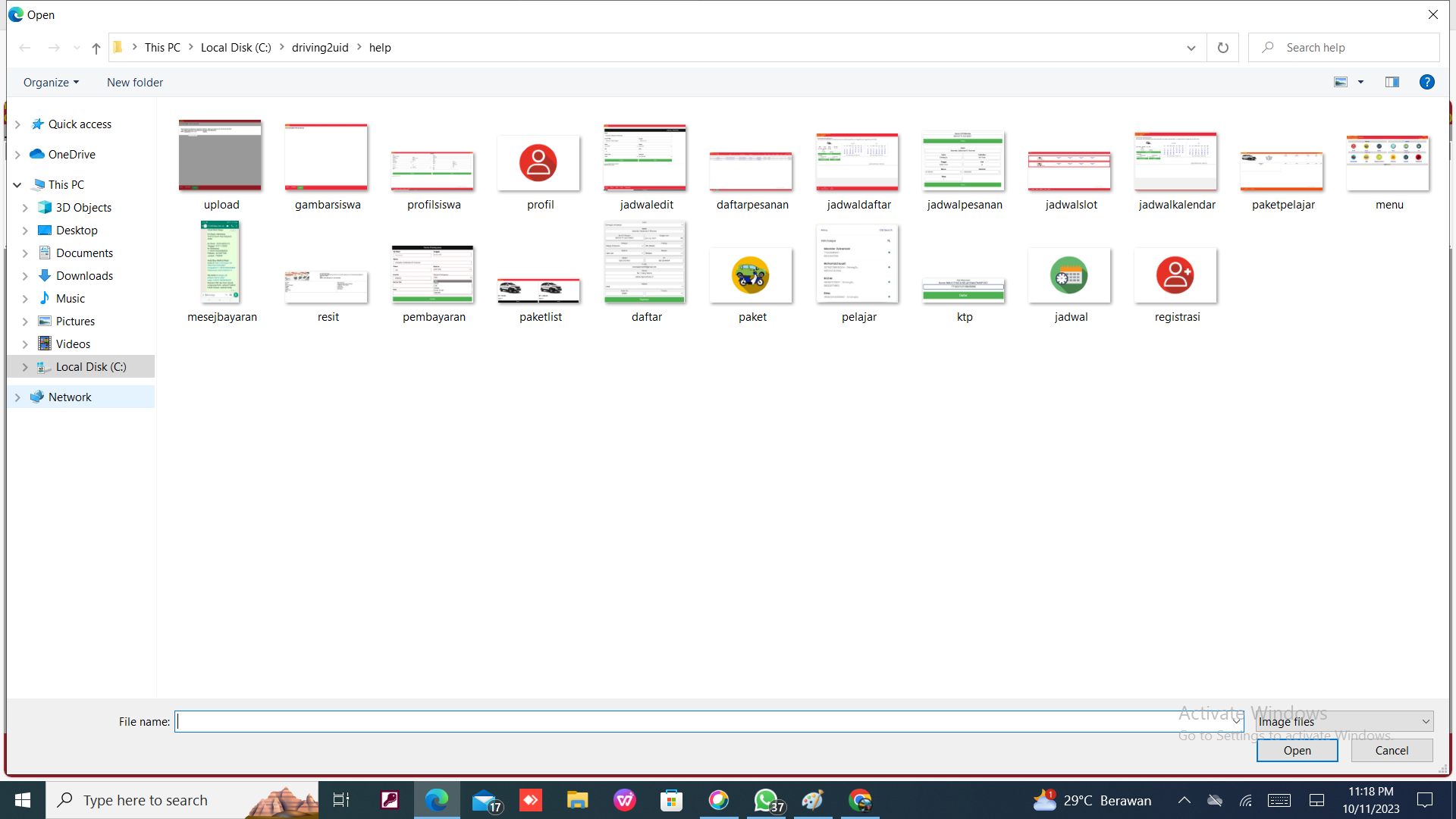
Click Choose File to choose student picture and click Upload Button
Click Choose File to choose student picture and click Upload Button
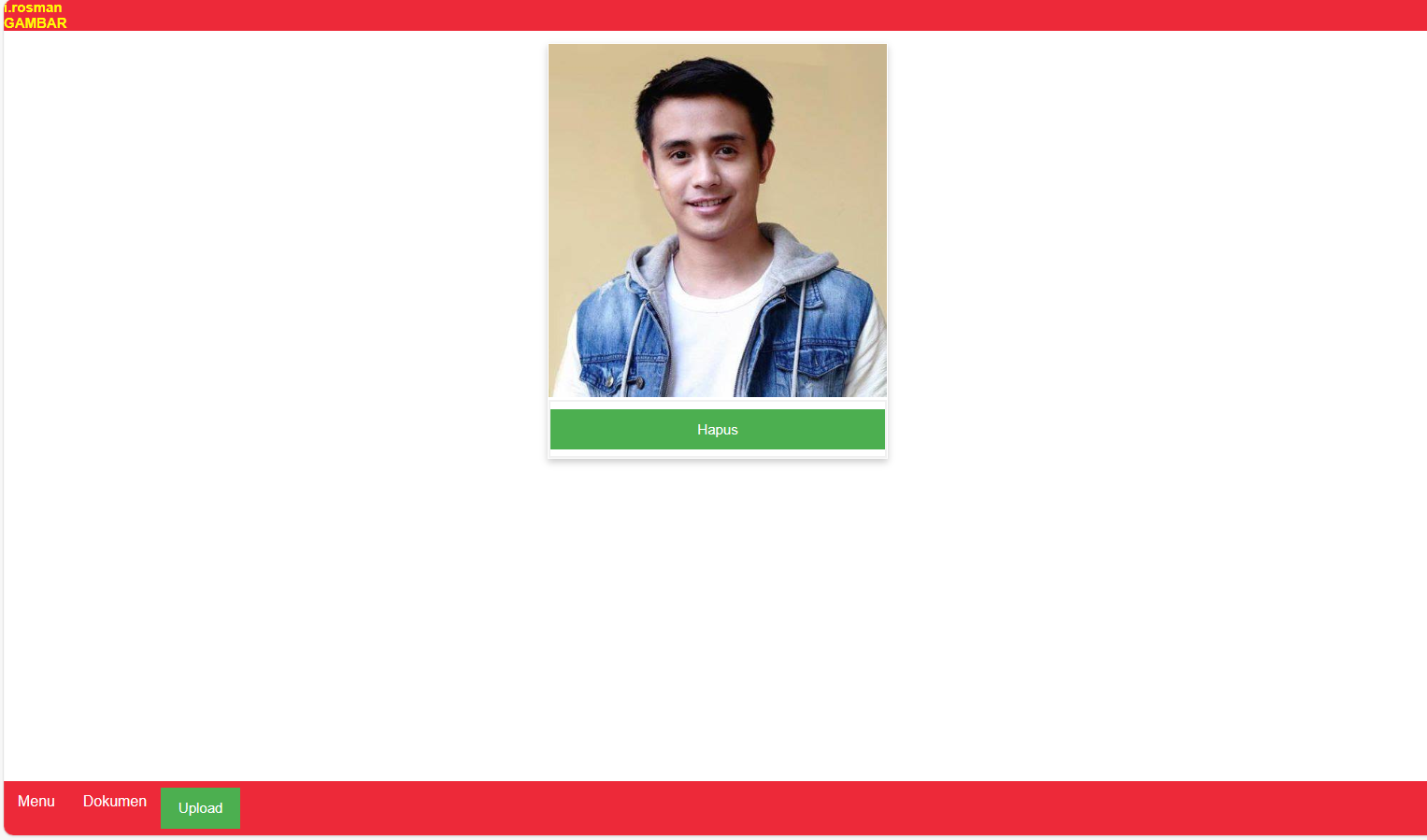
Hapus
You can delete student picture when u click Hapus Button
You can delete student picture when u click Hapus Button
Dokumen
You Can View and Add Student Dokumen like NIK or AKTA
You Can View and Add Student Dokumen like NIK or AKTA
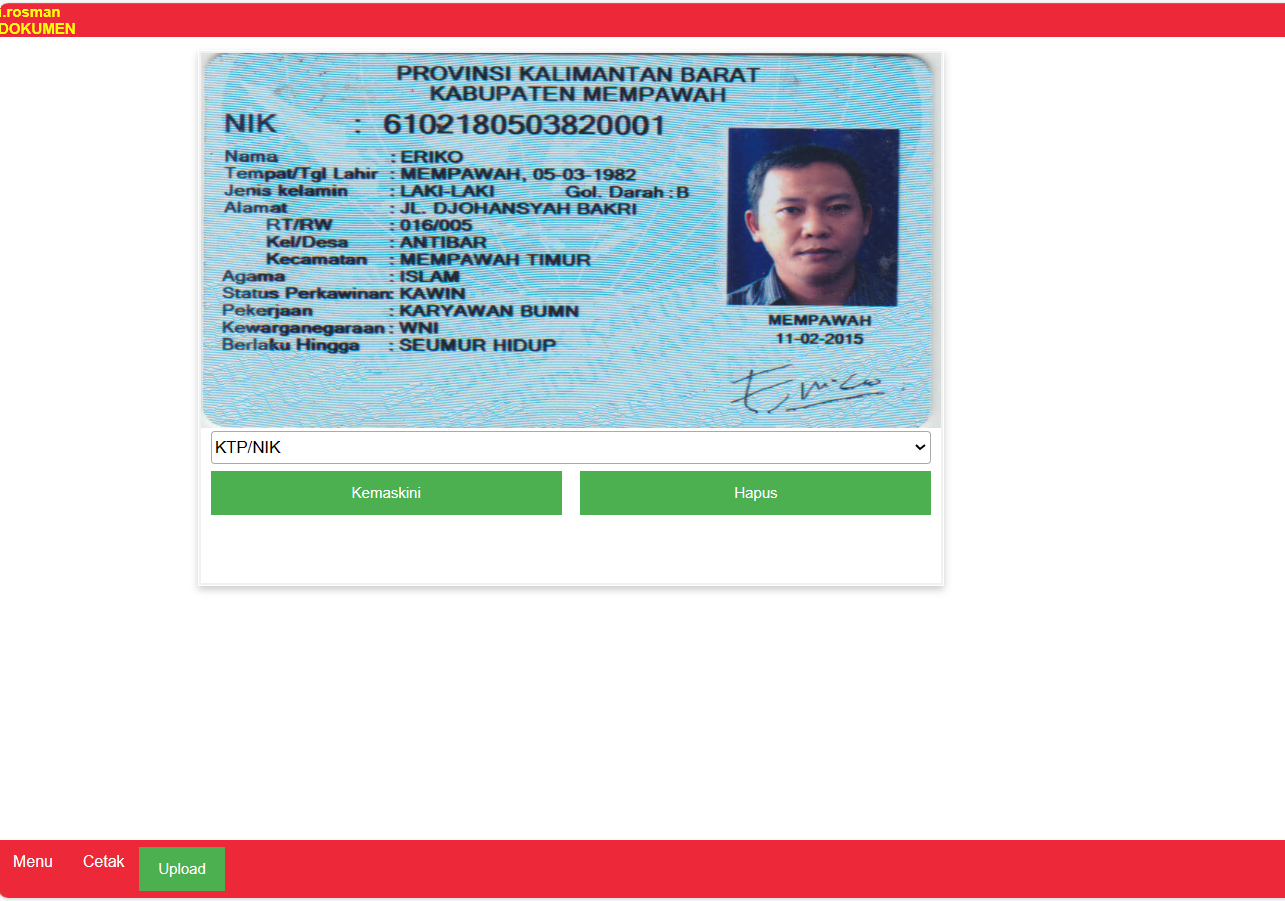
Cetak
You Can Print A Copy of Student Document Here
You Can Print A Copy of Student Document Here
Upload
Upload Process same as Upload Picture, look on Upload Gambar Step
Upload Process same as Upload Picture, look on Upload Gambar Step